Linux Basic Command
Disk usage,
tar command to Compress and Extract Files
Here’s what those flags (-cvf) actually mean-c, --create– create a new archive-x, --extract, --get– extract files from an archive-f, --file ARCHIVE– use archive file or device ARCHIVE
Now see the file

Create a new archive

now see new archive created

Now extract file; no normal directory found

Now extract Desktop dir

Gzip compression

Extract gz file

Remove a .gz file

Grep
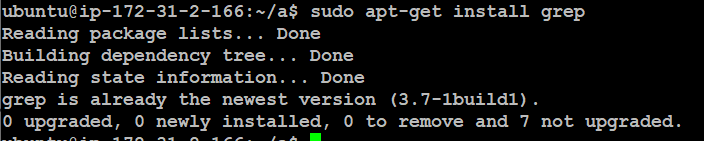
grep installation
Search word hi


Case insensitive search: The -i option enables to search for a string case insensitively in the given file. It matches the words like “UNIX”, “Unix”, and “unix”.

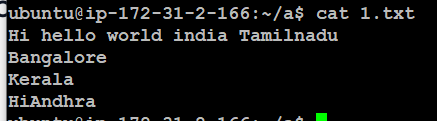
See the content 1.txt
Display a matching word

Display a matched word line number

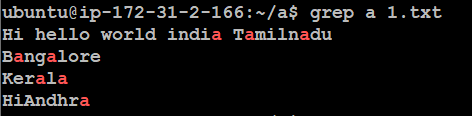
Display a matched words

Display a ending with letter a

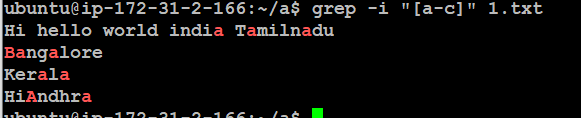
Display a matched letter without case sensitive -i [a-c]
word count

Display a line without hi

Search by word




Ethernet down

Ethernet up

Date

Set date



View last Sunday's date

Calendar
Display current month
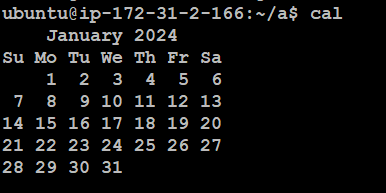
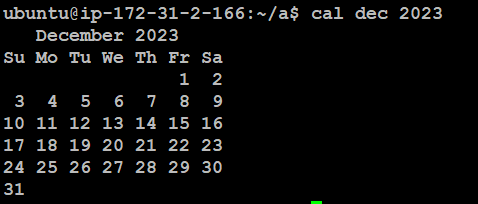
Display a specified month
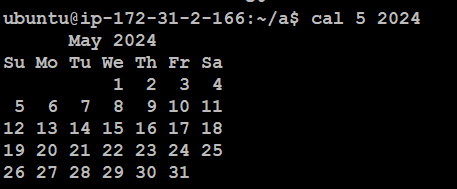
Display a 5month of 2024
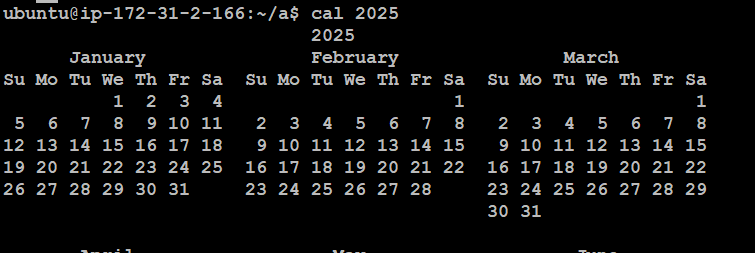
Display 2024
display current month,previous,before month
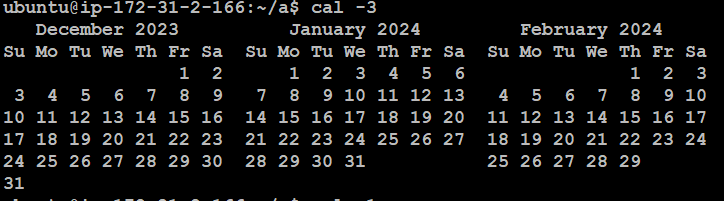
Word count

Count line, words,letters

Count word

Count letters

Count line

How to create, delete, and modify groups in Linux
Groups are an essential part of the Linux permission structure and a powerful way to manage file access on your system.
know groups command groups
cat /etc/group/
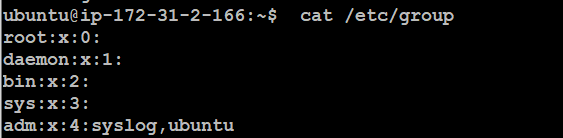
To add a group in Linux, use the groupadd command:
sudo groupadd java

You can verify that the group appears (and see its group ID) by looking in the /etc/group file.

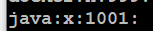
now java group added
If you want to create a group with a specific group ID (GID), use the --gid or -g option:
sudo groupadd -g 1009 demo1



Change the group ID
sudo groupmod -g 1012 demo1


Rename a group
sudo groupmod -n test demo1
before see the group id for demo1

now will be changing

See the groups

Now see the same group id changed from demo1 to test

Add and remove users from a group
Suppose you have existing users named user1 and user2, and you want to add them to the demo group. Use the usermod command with the --append --groups options (-a and -G for short):
sudo usermod --append --groups demo user1
sudo usermod -aG demo user2
Look in the /etc/group file or use the id command to confirm your changes:
id user1
Add a user

Delete a user

Delete a group
sudo groupdel user1

SSH
sudo apt-get install openssh-server

sudo service ssh status

edit sshd_config file
sudo vi /etc/ssh/sshd_config

Head and tail command
The head is used for displaying the first 10 lines of the file
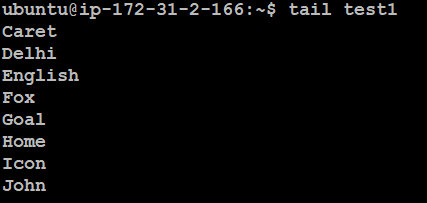
tail is used for displaying the last 10 lines of the file
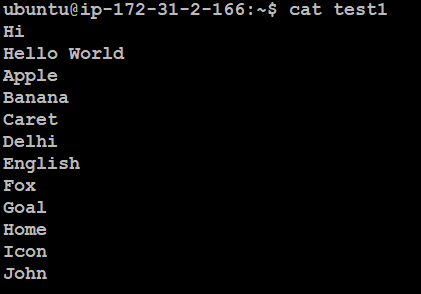
First see test1 file content
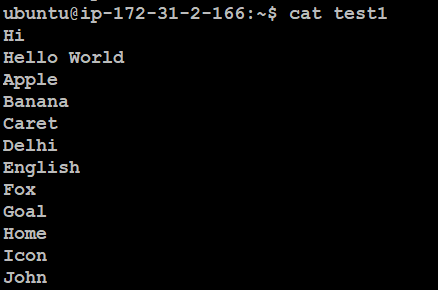
reading from firstline
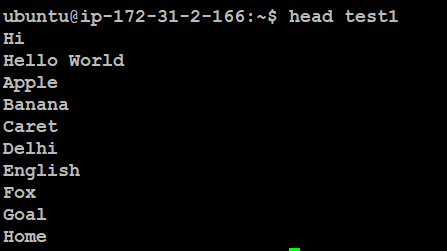
Read a first line

show the first 3 lines

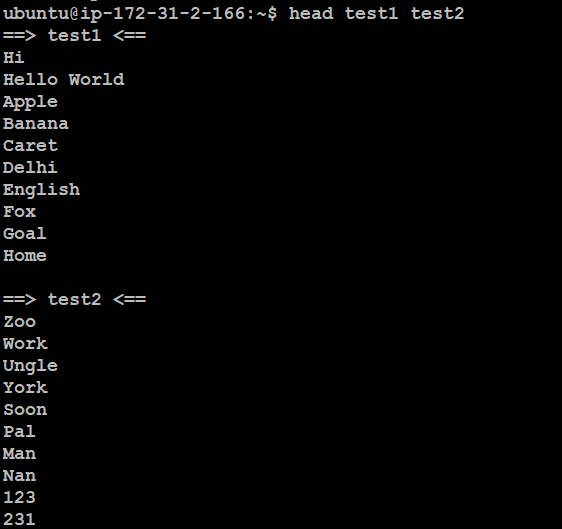
shows the multiple files
tail command
Normal fiel view
Read from last line tail file.txt
tail -n1 file.txt

It display last three lines

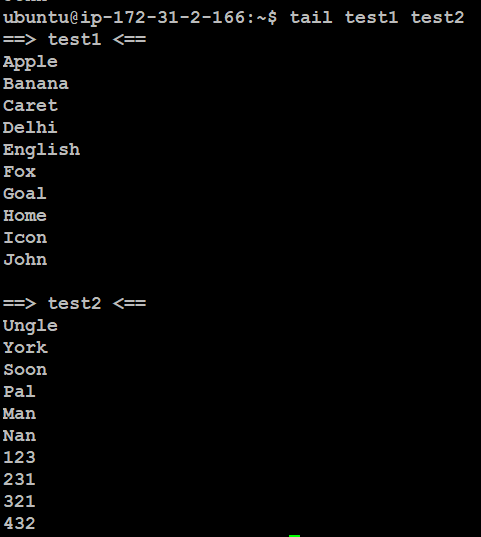
tail file.txt file2.txt
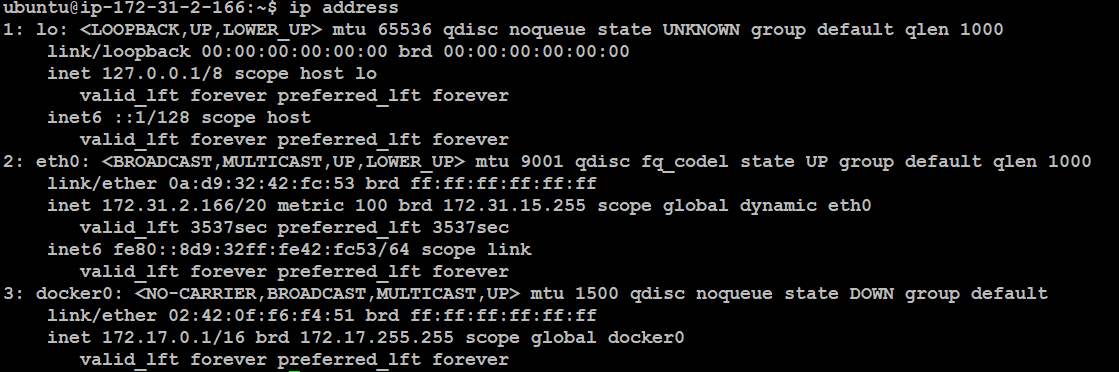
How to find IP address
ip address
hostname -i

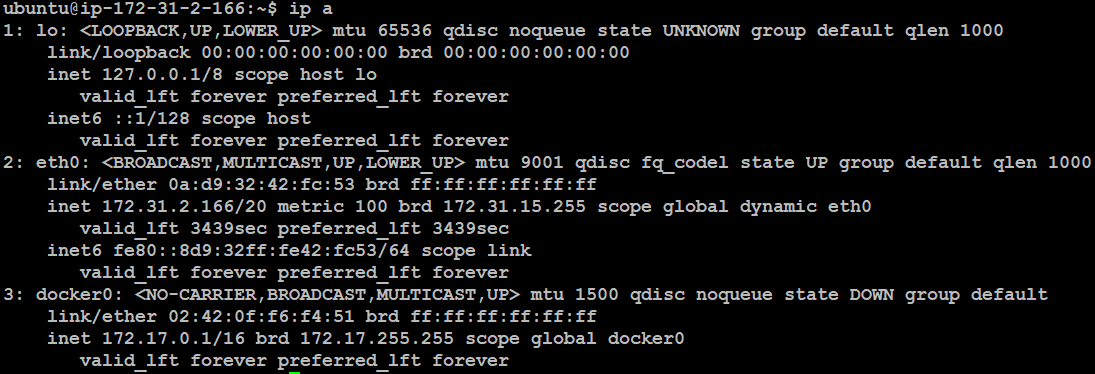
ip a
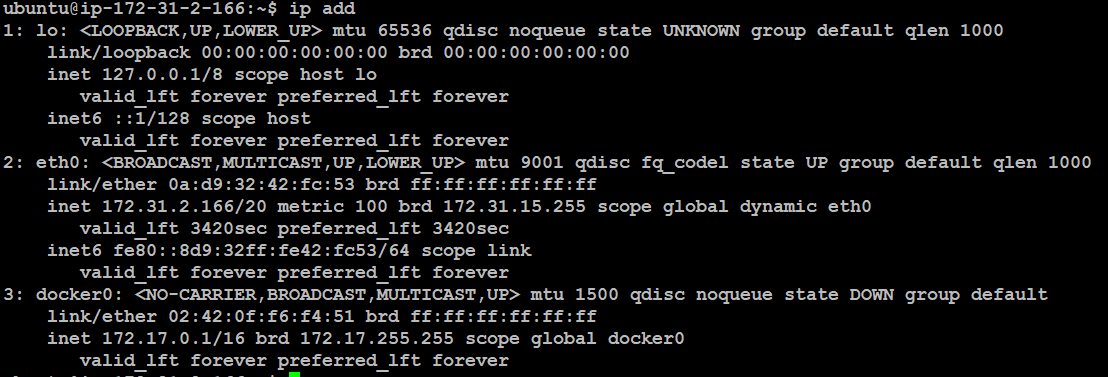
ip add
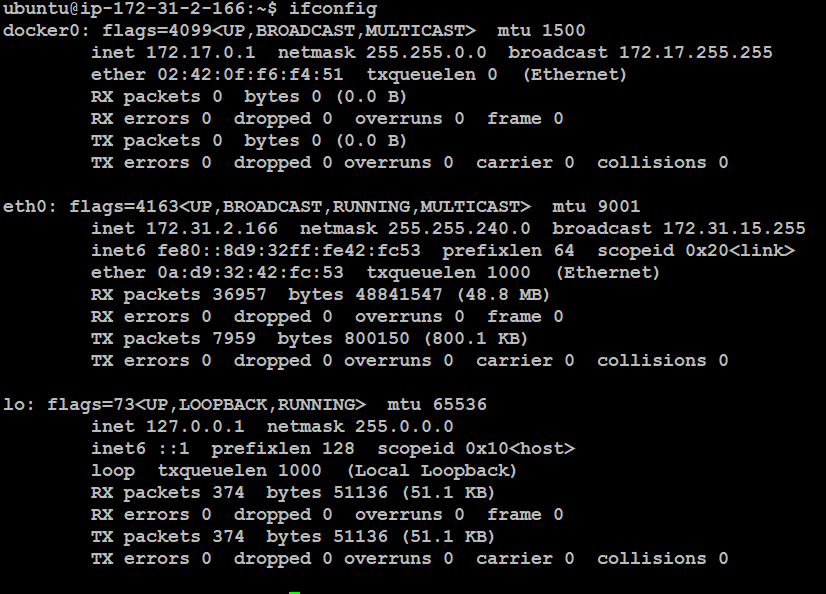
ifconfig
Now see the file test1

remove a test1 file

Now see test1 not found

Remove morethan one file
list

remove a 1 2

now see found not found 1 2

Create a directory

now see sun directory has created

Remove a directory

now see sun directory not found

Create a directory inside ; this means b directory created inside a directory

Now see b directory created inside a

Delete a inside directory

Options: 1. -i (Interactive Deletion): the -i option makes the command ask the user for confirmation before removing each file, you have to press y for confirm deletion, any other key leaves the file un-deleted.

-f (Force Deletion): rm prompts for confirmation removal if a file is write protected. The -f option overrides this minor protection and removes the file forcefully.

find used to search a file in the directory
Now see 1.txt file found in a directory, So we using find command



Find files created in last 7 days

Find files created last 60 minutes

find files in last 20 days with above 5MB

To make the command case insensitive you need to use iname instead of name . Command
